Social Media Templates & Canva Templates
Good social media presence requires consistency. Post after post, day after day, platform after platform – everything should be on brand. The problem: Not everyone in the team can design, stock photos are expensive and impersonal, and manually designing each post takes time.
Why do you need a professional template system?
If all your posts look like you - the same colors, fonts and layout - your brand will immediately be noticed in the feed without anyone having to look twice. Instead of designing each post individually, you simply choose a template, adjust the text and image and post - this saves hours per week and ensures that nothing looks “quickly slapped on” anymore. If multiple people are working on your content, a shared template system ensures that everyone delivers the same quality - flexible enough for variations, but with clear boundaries that protect your brand identity.
What you get
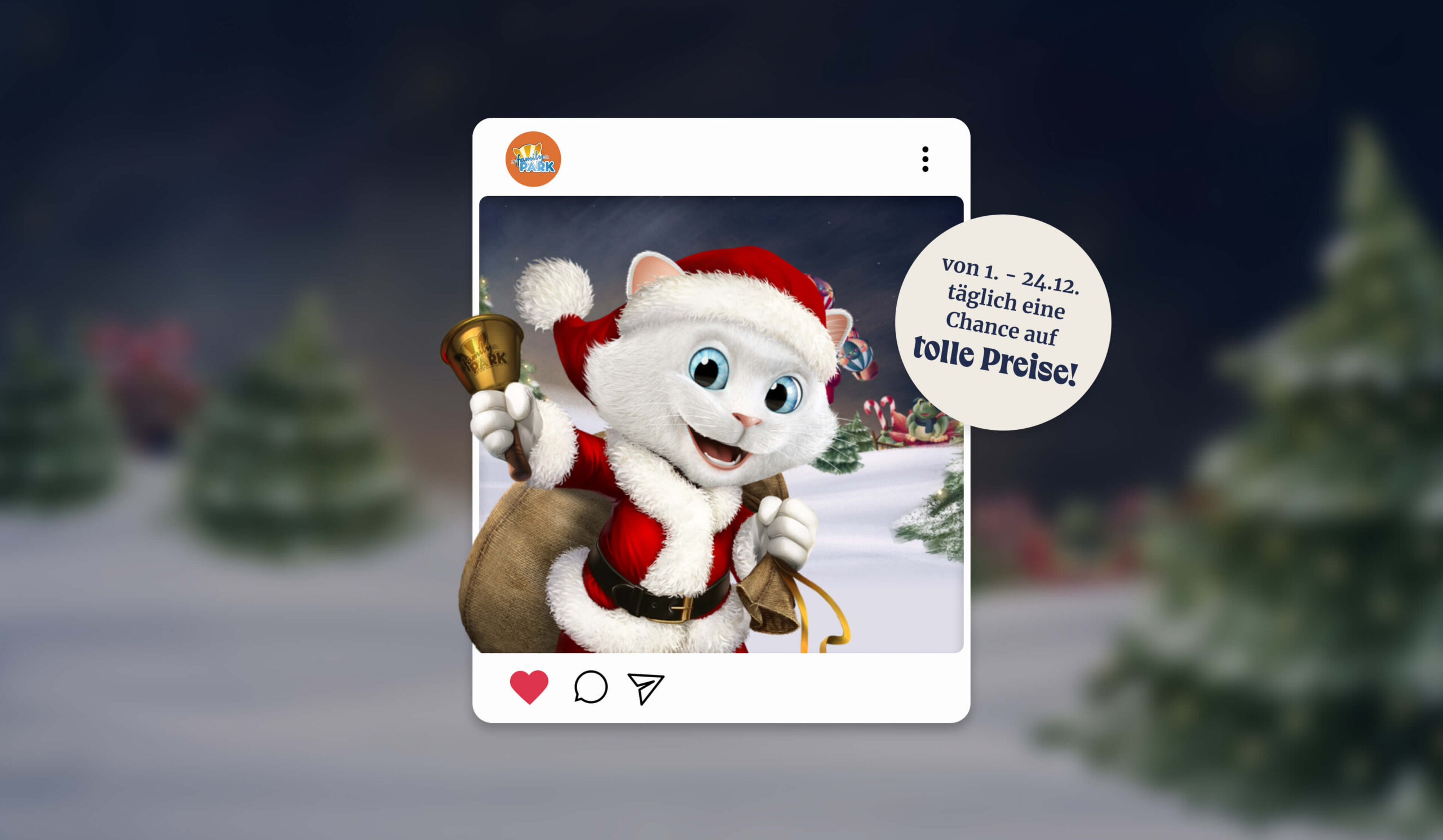
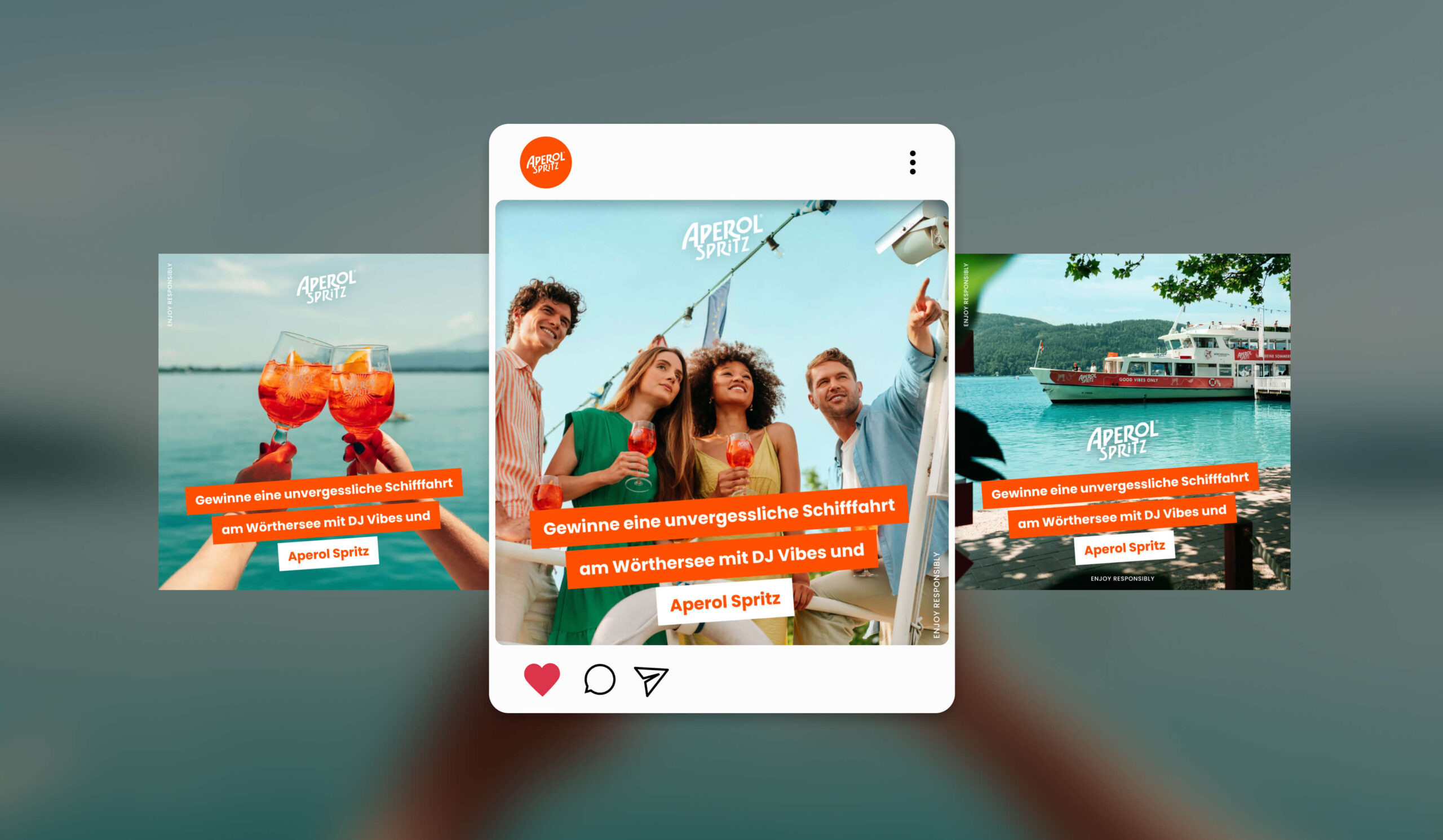
Template set for all platforms
Instagram feed posts, stories, reels, LinkedIn posts, Facebook posts, Pinterest pins, newsletter templates – all tailored to your branding.
Pre-built layouts
15-40 different template variations depending on your needs. Layouts that work: text heavy, image focus, quote, video teaser, testimonial etc.
Branding Integration
Colours, fonts, logos – everything is prefabricated. Your team opens a template and only adjusts the text/image.
Modular structure
Elements can be switched on/off. Flexible templates, but within clear boundaries - that creates consistency.
Canva or Adobe Setup
We build the templates directly in your tool. Canva for teams who want to work quickly and easily. Adobe for professional outputs.
Training & Documentation
Clear instructions: How to use the templates? Common mistakes? Ton of voice and content guidelines for social media?
Our process
-
1. Phase
Briefing & Strategy
What are your current social media goals? What types of content do you post the most? Which platforms are important? Who are you reaching? The strategy emerges from this analysis: What template types do you need?
-
2. Phase
Conception & Design
We develop multiple layout variations that reflect your branding, are readable and sharp in all sizes, accommodate different content types, and are understandable for non-designers.
-
3. Phase
Design & Elaboration
We build the templates directly in your tool with your branding prefabricated, modular setup and clear guidelines.
-
4. Phase
Feedback & Finalization
You test the templates. Changes, optimizations – we iterate until everything fits.
-
5. Phase
Handover & Support
Training, documentation, instructions. A good template is only good if people use it.
Who is this ideal for?
Companies with active social media
Do you post regularly on Instagram, LinkedIn, Facebook? Templates save you hours per week.
Teams without design skills
Not everyone in the team can design? Templates make it possible – just fill it out, post.
Agencies & Service provider
Do you manage social media for several customers? Templates are the basis for fast, consistent content.
Startups & Growth company
You need fast, professional social media without having to hire expensive designers.
How much does it cost?
Basic template set (Instagram + LinkedIn)
1,500–3,000€
15-20 templates, simple structure
Standard multi-platform
3,000–6,000€
Instagram, LinkedIn, Facebook, Pinterest, newsletter – 25-35 templates
Premium template system with training
6,000–12,000€
extensive, video tutorials, content calendar integration
Ongoing Refresh
500-1,500€ per quarter
new variations, trend updates, continuous improvements
Why digitalists?
FAQs
Do we have to have Canva Premium?
For teamwork, yes. Canva Teams costs ~11€/person/month – immediately invest in saving time.
Can non-designers use the templates?
Yes, that's the whole concept! Our templates are as easy to use as possible – drag & drop, adjust text, post.
How many templates do we need?
It depends on: How many posts per week? How many platforms? How many content types? Typically: 15-40 templates for a system that gets new variations every 2-3 months.
How often should we refresh templates?
2-4x per year. Social media trends are changing and new platform formats are being added. A refresh keeps your system up to date and exciting.